A Wi‑Fi 7 router can advertise extraordinary numbers, but a smart home never experiences the number printed on the box. It experiences the slowest link between a client, an access point, the wired network, the destination, and—when the traffic leaves the home—the internet service.
That distinction matters in large Phoenix, Scottsdale, and Paradise Valley homes. A residence may have multiple wings, stone or masonry finishes, a detached guest house, a courtyard, a pool, dozens of automation endpoints, several televisions, cameras, workstations, and a centralized equipment rack. Wi‑Fi 7 can add useful capacity and new ways to manage radio traffic, but it cannot repeal physics or compensate for an incomplete infrastructure plan.
This guide separates the real benefits from headline speeds, compares Wi‑Fi 6E vs. Wi‑Fi 7, explains compatible clients and multigig backhaul, and provides three upgrade paths. It is intentionally product‑neutral: the right access points, switches, power, channels, and security settings depend on the property and the devices that must work there.
Is Wi‑Fi 7 worth upgrading to in 2026?
Yes—for the right project. Wi‑Fi 7 is now a mature enough standard to specify for a new network: the Wi‑Fi Alliance launched Wi‑Fi CERTIFIED 7 in January 2024, and the underlying IEEE 802.11be‑2024 standard is active, was approved in September 2024, and was published in July 2025. That removes the early‑adopter question of whether the base standard will be finalized.
It does not remove the design question. The upgrade is compelling when a household can use its features and the network is due for replacement anyway. It is less compelling when the current system is reliable, few clients support 802.11be, or the budget covers only an all‑in‑one router while leaving gigabit switching, weak wireless relay links, or inadequate access‑point locations untouched.
| Your situation | Likely answer | Why | First action |
|---|---|---|---|
| New build or major remodel | Design for Wi‑Fi 7 now | The cost of planning cable, fiber, rack capacity, power, and access‑point locations is lowest before finishes close. | Create the device schedule, RF plan, wired topology, PoE budget, and commissioning criteria together. |
| Stable managed Wi‑Fi 6E | Keep or stage | You already have 6 GHz capacity. The incremental benefit depends on Wi‑Fi 7 clients, MLO, local traffic, and backbone readiness. | Inventory clients and measure congestion, latency, roaming, and wired bottlenecks before replacing access points. |
| Dead zones or unreliable mesh | Fix design first | A new radio generation does not fix a poor location or an unstable wireless backhaul path. | Use a coverage survey and compare wired access points with the current topology. |
| Multigig internet, NAS, editing, or large transfers | Strong candidate | Compatible clients can benefit when the access point and every wired link to the source or internet exceed one gigabit. | Audit gateway throughput, switch ports, uplinks, cabling, storage, clients, and PoE—not just the AP label. |
What changed in Wi‑Fi 7?
Wi‑Fi 7 is the Wi‑Fi Alliance designation based on IEEE 802.11be, the Extremely High Throughput amendment. IEEE defines modes capable of at least 30 Gbit/s at the MAC service interface and improved worst‑case latency and jitter while retaining coexistence with earlier 2.4, 5, and 6 GHz Wi‑Fi. That is a standards target across supported configurations—not a promise that one phone will run a 30‑gigabit internet speed test.
The Wi‑Fi Alliance’s certification announcement identifies the features that matter most. Here is what they mean in homeowner language.
Multi‑Link Operation (MLO)
A compatible client and access point can coordinate more than one radio link. Depending on the implementation, that can add throughput, avoid a busy link, or improve responsiveness and reliability. MLO is a capability—not proof that every device will use every band at once.
Channels up to 320 MHz
Wi‑Fi 7 can double Wi‑Fi 6/6E’s 160 MHz maximum by using a 320 MHz channel in 6 GHz where regulators allow it. That raises peak capacity, but it consumes a large block of spectrum and may be the wrong choice for a multi‑AP channel plan.
4K QAM
Higher‑order modulation can carry 20% more data per symbol than 1024‑QAM under suitable conditions. It requires an exceptionally clean, strong signal, so it is primarily a close‑range performance tool—not a range extension and not a 20% whole‑home guarantee.
Puncturing and Multi‑RU
Preamble puncturing can preserve usable portions of a wide channel when one section is impaired. Multi‑Resource Unit scheduling can allocate radio resources more flexibly to a client. Both are efficiency tools whose benefit depends on compatible equipment and real RF conditions.
Wi‑Fi 6 vs. Wi‑Fi 6E vs. Wi‑Fi 7
| Generation | Bands | Maximum channel width | What it added | Practical decision |
|---|---|---|---|---|
| Wi‑Fi 6 (802.11ax) | 2.4 and 5 GHz | Up to 160 MHz on supported equipment | Efficiency for dense client environments through technologies such as OFDMA, plus capacity and power‑management improvements. | Still capable for many smart homes when coverage, wired backhaul, security, and management are sound. |
| Wi‑Fi 6E | 2.4, 5, and 6 GHz | Up to 160 MHz | Extends Wi‑Fi 6 features into the newer 6 GHz band for compatible clients. | A stable 6E deployment may not need immediate replacement if MLO and Wi‑Fi 7 client performance are not priorities. |
| Wi‑Fi 7 (802.11be) | 2.4, 5, and 6 GHz | Up to 320 MHz in 6 GHz where supported and allowed | MLO, 4K QAM, preamble puncturing, Multi‑RU, and other throughput, latency, and scheduling enhancements. | Best evaluated as a whole‑network upgrade, not a drop‑in speed badge. |
Important: “up to” describes a standard’s ceiling. Country rules, access‑point design, client radio, firmware, security mode, channel plan, signal‑to‑noise ratio, and interference determine which features are actually available.
Which devices can actually use Wi‑Fi 7?
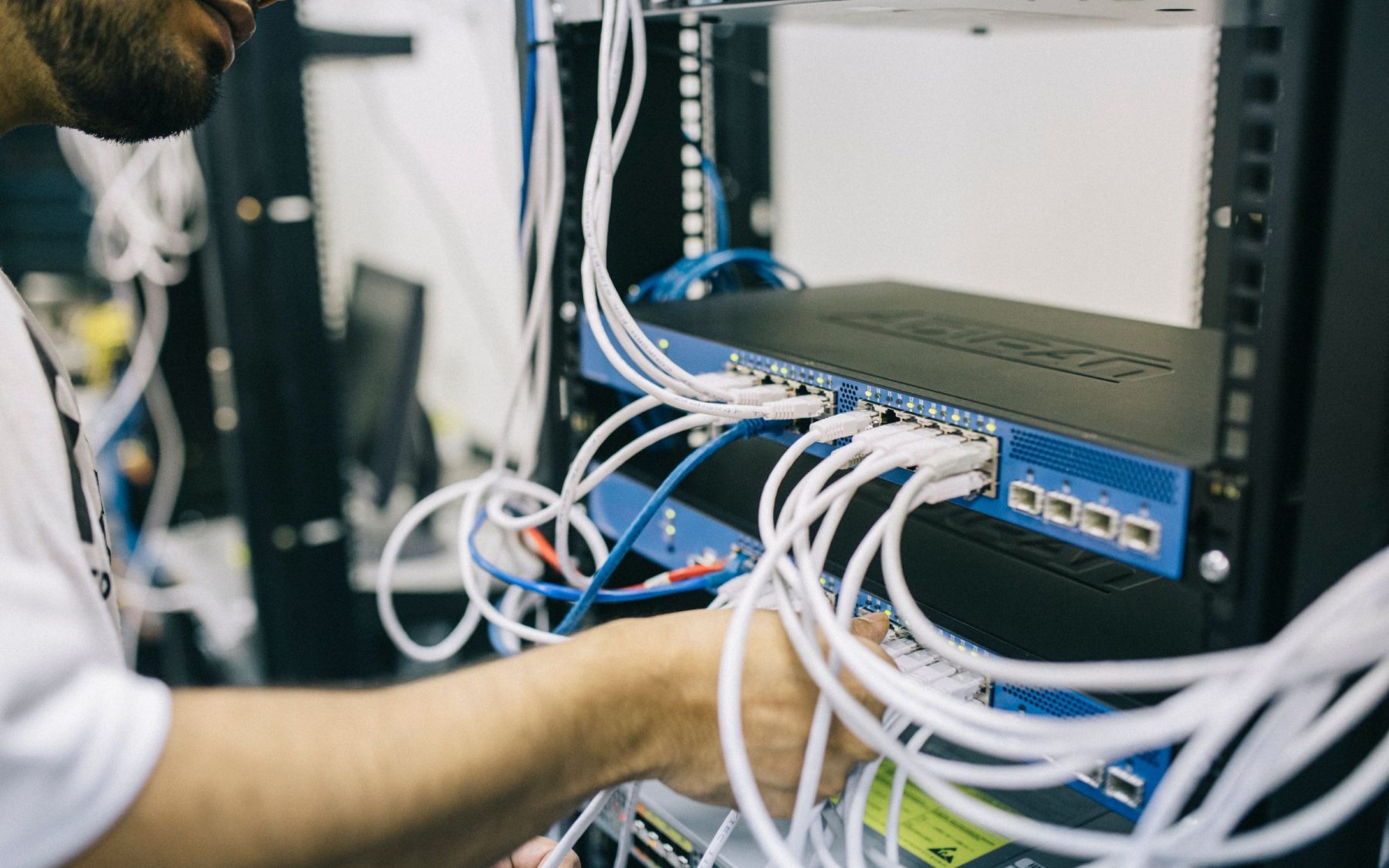
A Wi‑Fi 7 access point does not convert an older phone, television, camera, thermostat, or laptop into a Wi‑Fi 7 client. The endpoint needs an 802.11be radio, supported software and drivers, compatible security, and the same feature enabled at the access point.
Look past the generation label. Check the exact client specifications for:
- 802.11be / Wi‑Fi 7 support: this confirms the generation, but not every optional capability.
- Frequency bands: 2.4, 5, and 6 GHz support varies by client and regulatory region.
- Maximum channel width: a Wi‑Fi 7 client may support 160 MHz rather than 320 MHz.
- Spatial streams: most mobile clients use fewer streams than a premium access point, limiting their individual PHY rate.
- MLO implementation: both ends need compatible MLO behavior, firmware, and security settings.
- Operating system and driver: Microsoft, for example, says Windows 11 version 24H2 and a compatible adapter are required for its Wi‑Fi 7 support.
Apple’s current Wi‑Fi specifications for its devices illustrate why this detail matters. Apple lists its current Wi‑Fi 7 iPhones as supporting Wi‑Fi 7 on 2.4, 5, and 6 GHz, plus MLO, but documents a maximum channel width of 160 MHz rather than 320 MHz. They are genuine Wi‑Fi 7 clients; they simply do not implement every headline maximum. Microsoft’s Windows Wi‑Fi guidance similarly tells users to verify the router, operating system, adapter, and supported radio types.
Most smart‑home devices do not need Wi‑Fi 7 throughput
A door lock, thermostat, leak sensor, irrigation controller, or lighting bridge typically sends far less data than a laptop transferring a video project. Many such endpoints remain on 2.4 GHz because reach and power behavior matter more than raw speed; others use Ethernet, Thread, Zigbee, or Z‑Wave. The Connectivity Standards Alliance notes in its Matter FAQ that Matter can operate over Wi‑Fi, Ethernet, or Thread. Wi‑Fi 7 is not a prerequisite for Matter.
The smart‑home value is therefore indirect as often as it is direct. A well‑designed modern network can give high‑throughput clients more capable 5/6 GHz service while preserving a deliberate 2.4 GHz and wired plan for automation endpoints. It can also provide management visibility, documented addressing, guest access, segmentation, and resilient wired paths. Those are architecture benefits—not reasons to replace a working sensor.
Coverage vs. speed in a large Arizona home
Wi‑Fi 7 improves what a good radio link can do. It does not guarantee that the link will exist where it is needed. The useful questions remain: Where are the clients? What materials sit between them and an access point? Which bands reach each space? How many neighboring networks share the spectrum? Can the client roam cleanly? Is the access point itself wired?
A single router in a closet is rarely the right reference design for a wide or multi‑story residence. A planned system uses access points in serviceable locations, each connected to an appropriate wired backbone. The exact quantity and position should come from drawings, construction review, and onsite validation—not a square‑foot rule. For the topology side of that decision, use the separate Camelback Smart Homes guide to mesh Wi‑Fi and coverage planning and the interactive Wi‑Fi access‑point planner.
6 GHz is a capacity layer, not a magic coverage layer
Wi‑Fi 6E already introduced 6 GHz; Wi‑Fi 7 expands what compatible equipment can do there. The band offers valuable additional spectrum, but it should be measured room by room. Frequency, allowed power, walls, glazing, stone, masonry, doors, antenna design, and client capability all influence the usable cell. In a large home, 6 GHz may be excellent in a media room or office yet unavailable a few finished surfaces away.
That can lead to a counterintuitive design choice: narrower 80 or 160 MHz channels across much of a multi‑AP property may deliver better reuse and consistency than forcing 320 MHz everywhere. Cisco Meraki’s current Wi‑Fi 7 technical guide notes that 320 MHz is optional and limited to 6 GHz; in the United States, the number of nonoverlapping 320 MHz channels depends on the 6 GHz device class. Wide channels are a planning tool, not an automatic best setting.
The Wi‑Fi 7 readiness chain
The useful speed and reliability of a connection stop at the weakest required link. This original planning diagram shows why changing only the router often disappoints.
Backhaul, switching, PoE, and gateway requirements
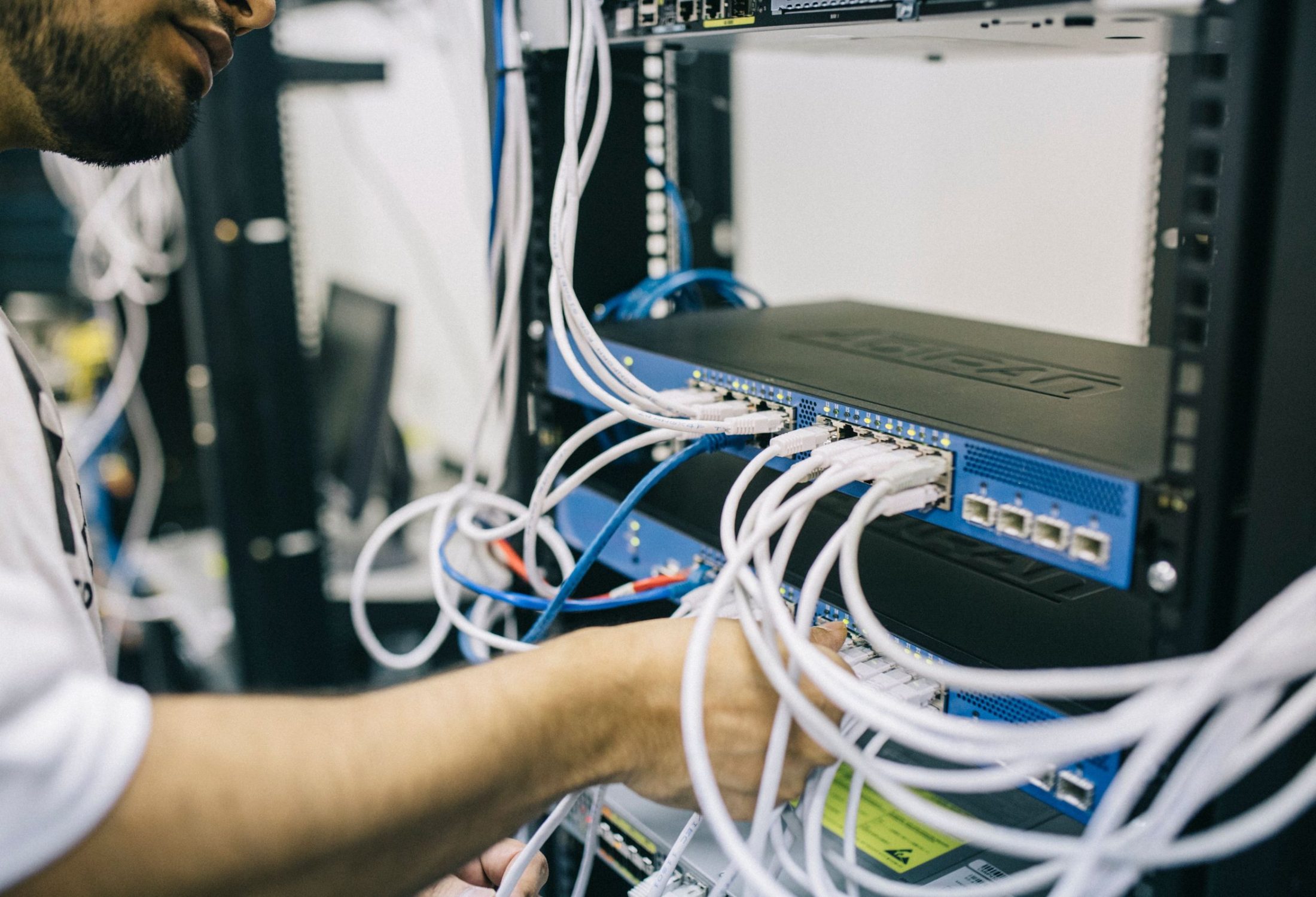
A premium Wi‑Fi 7 access point can have more wireless capacity than a one‑gigabit Ethernet port can carry. That does not make gigabit infrastructure universally wrong; many homes and clients will never saturate it. It does mean the wired path must be an explicit design choice rather than an accidental bottleneck.
Audit these five infrastructure layers
- Access‑point uplink: current products may use 2.5, 5, or 10 GbE. The exact port speed and cable requirements come from the selected model.
- Switch capacity: count multigig edge ports, uplink bandwidth, switching capacity, VLAN features, management platform, and future expansion. One multigig port does not make the entire path multigig.
- Power over Ethernet: higher‑performance access points can require PoE+ or 802.3bt for full radio operation. Verify the per‑port standard and the total switch power budget; do not infer full function merely because an AP powers on.
- Gateway and security services: routing, firewall inspection, VPN, content filtering, and intrusion‑prevention settings can reduce real throughput below a gateway’s headline port rate.
- Destination and internet handoff: a one‑gigabit NAS, provider terminal, subscription tier, or remote server can remain the limiting link even when the wireless side negotiates higher.
The requirements genuinely vary. The current Access Networks Wi‑Fi 7 access‑point guide lists different multigig uplinks and power requirements across its Wi‑Fi 7 models. RUCKUS lists a 1/2.5/5/10 GbE interface on the R770. These are examples of why the model, switch, cable, and power plan must be matched; they are not universal requirements for every Wi‑Fi 7 installation.
Wired backhaul still matters
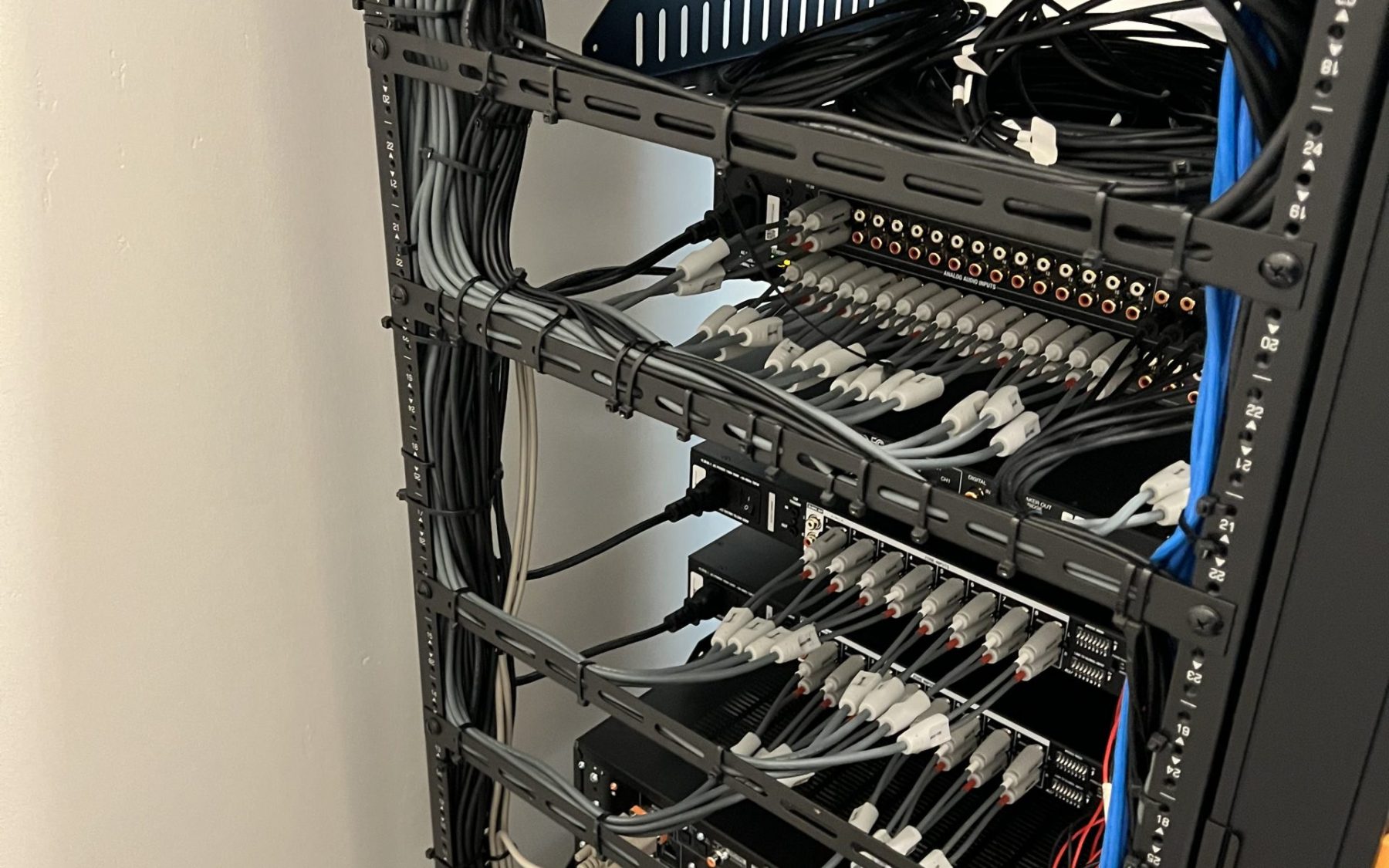
Wi‑Fi 7 can improve wireless mesh backhaul—MLO gives compatible systems more options—but wireless mesh still depends on an RF relay path. Designs that share radios or channels with clients also consume client‑serving airtime. Wired Ethernet or fiber removes reliance on that RF relay path and gives each access point a predictable connection to the network core. For fixed televisions, cameras, workstations, touch panels, media servers, and automation processors, Ethernet can also keep avoidable traffic off the air.
If walls are open, plan the permanent paths now. The Camelback Smart Homes low‑voltage pre‑wiring service covers the hidden infrastructure side; the network switch, PoE, and access‑point definitions explain those components in plain language. Avoid DIY line‑voltage or rack‑power work; coordinate listed equipment, qualified trades, ventilation, and backup power as one system.
Will Wi‑Fi 7 make a smart home more reliable?
It can help, but reliability comes from architecture and operations. MLO may give a compatible client alternative links. Newer radios can use spectrum more efficiently. Additional 6 GHz capacity can move supported high‑throughput devices away from crowded legacy bands. None of that corrects an unsupported firmware release, duplicate IP address, overloaded PoE switch, damaged cable, poorly configured roaming threshold, or cloud outage.
A dependable smart‑home network is designed for the devices that actually exist:
- Keep purposeful 2.4 GHz coverage. Many automation and IoT products still depend on it. Do not disable it just because the premium phones use 6 GHz.
- Hardwire fixed critical devices where practical. Cameras, video endpoints, controllers, gateways, access points, and storage can benefit from predictable links.
- Separate trust levels. NIST’s home and small‑business IoT guidance recommends network segmentation where possible, especially for devices with known risks. Guest, personal, work, automation, and IoT policies should still allow only the discovery and control paths the system needs.
- Plan security migration. The Wi‑Fi Alliance requires WPA3 for Wi‑Fi 7 certification, and 6 GHz security differs from old WPA2‑only networks. Cisco’s current WPA3 deployment guide documents those requirements. Test older clients; if a compatibility SSID is necessary, isolate it instead of weakening the primary network.
- Manage firmware and configuration. Record controller, gateway, switch, and AP versions; stage updates; back up configuration; and retain a rollback and support plan.
- Protect the core. Size UPS runtime for the gateway, switches, controllers, and critical services, then test what still works during internet and utility outages.

What a Wi‑Fi 7 router will not fix
| Symptom | Why Wi‑Fi 7 alone may not help | Better diagnostic |
|---|---|---|
| Fast near the router, weak elsewhere | The issue is probably coverage, obstruction, placement, or transmit‑power balance—not the generation. | Map signal, noise, band, data rate, retries, and roaming at the actual use locations. |
| Mesh node is slow | The node may have a weak or congested relay link. A newer node in the same bad location can repeat the problem. | Compare wired backhaul, a better node location, and the topology in the existing wired access point vs. mesh FAQ. |
| Internet speed never exceeds the plan | Wi‑Fi cannot make the provider deliver more than the subscribed service, and a test server or gateway can limit results. | Test wired at the handoff and gateway, then compare local and internet traffic separately. |
| Smart devices fall offline | Security mode, 2.4 GHz coverage, DHCP, DNS, multicast discovery, cloud service, or firmware may be responsible. | Check logs and device requirements instead of assuming more peak bandwidth is the cure. |
| Roaming calls or audio drop between rooms | Roaming decisions involve the client, cell size, channel plan, minimum rates, security, and controller behavior. | Perform a walk test with the actual client and examine association and roam events. |
| One‑gigabit ceiling remains | A one‑gigabit switch port, gateway, cable negotiation, storage interface, or provider handoff may still be in the path. | Document negotiated speed at every wired link and measure point to point. |
When Wi‑Fi 6 or Wi‑Fi 6E is still enough
Keeping a well‑designed current network is not falling behind. Wait—or invest elsewhere first—when these statements are true:
- Coverage and roaming are already consistent in every important indoor and outdoor space.
- Most active clients are Wi‑Fi 5, Wi‑Fi 6, or 2.4‑GHz IoT devices, with few planned Wi‑Fi 7 additions.
- The household’s heaviest traffic is ordinary internet streaming and conferencing on a sub‑gigabit plan.
- The current Wi‑Fi 6E system already provides clean 6 GHz service in the rooms that need it.
- A replacement would reuse wireless mesh links, poor AP locations, a one‑gigabit core, or insufficient PoE without addressing them.
- Critical legacy devices have unresolved WPA3, band‑steering, discovery, or roaming compatibility issues.
- The existing platform still receives security updates, is supportable, and provides useful monitoring and configuration backup.
In those cases, a professional assessment may still find worthwhile changes: move or add a wired access point, correct channel widths, replace one failing cable, rebalance 2.4/5/6 GHz coverage, segment risky IoT devices, or upgrade the wired core in preparation for later AP replacement. The existing article on optimizing a home network for smart devices covers the broader maintenance intent; this guide remains focused on the Wi‑Fi 7 generation decision.
Three practical Wi‑Fi 7 upgrade scenarios
Scenario 1: Keep the current network
Profile: a stable managed Wi‑Fi 6/6E system, good wired access‑point placement, mostly older clients, and no measured capacity problem.
Plan: retain the APs; update supported firmware; document configuration; verify coverage on every band the current system supports; check UPS and switch health; and track new client capabilities during normal device replacement.
Trigger to revisit: unsupported hardware, recurring congestion, a major remodel, multigig service, or a meaningful group of Wi‑Fi 7 clients.
Scenario 2: Selective Wi‑Fi 7 upgrade
Profile: the core network is healthy, but an office, media room, studio, or new wing has compatible clients and a measurable high‑throughput or low‑latency requirement.
Plan: verify that the controller supports mixed AP generations; add or replace the targeted AP; provide the necessary multigig uplink and PoE; preserve legacy coverage; and test roaming across the transition.
Success measure: improvement for the named applications and clients without reducing reliability for the rest of the home.
Scenario 3: Full new‑build design
Profile: walls are open, device counts are high, multiple buildings or outdoor areas need service, and the network will support automation, security, work, entertainment, and guests for years.
Plan: coordinate RF design, access‑point locations, conduit, copper and fiber, gateway throughput, multigig switches, PoE reserves, rack cooling, UPS, management, segmentation, and commissioning before finish selections close.
Success measure: validated coverage and application performance, documented configuration, service access, and expansion capacity—not the largest aggregate number on a carton.
Wi‑Fi 7 readiness checklist
Use this checklist before requesting equipment proposals. A “no” does not automatically stop the project; it identifies what the design must solve.
- Goals: Can you name the rooms, clients, and applications that need improvement?
- Baseline: Have you recorded current wired and wireless performance, signal quality, retries, roaming, outages, and internet handoff results?
- Client inventory: Do you know which devices support Wi‑Fi 7, MLO, 6 GHz, 160/320 MHz, WPA3, and current drivers?
- Legacy plan: Have you identified 2.4‑GHz‑only, WPA2‑only, fixed‑channel, or discovery‑dependent smart devices?
- Coverage plan: Are access‑point locations based on construction and listening/use areas rather than convenience?
- Channel plan: Is 320 MHz reserved for a use case that benefits, rather than enabled everywhere by default?
- Backhaul: Does each AP have an appropriate wired link, or has the compromise of wireless mesh backhaul been measured?
- Switching: Do the required ports and uplinks support the selected speeds, VLANs, management, and expansion?
- PoE: Does the switch provide the exact per‑port standard and total power budget for full AP operation?
- Gateway: Can the firewall sustain the desired routed throughput with the security services you will enable?
- Outdoor design: Are pool, gate, yard, and casita APs outdoor‑rated and compliant with the intended 6 GHz device class and AFC requirements?
- Security: Is there a WPA3 migration and isolated compatibility strategy without weakening the primary network?
- Resilience: Are the network core, controllers, and critical endpoints protected by correctly sized backup power?
- Operations: Who will monitor, update, back up, document, and support the network after commissioning?
- Acceptance testing: Are success criteria defined per room and application on representative clients?
A professionally designed home network can answer those questions as one system. Camelback Smart Homes also supports brand‑specific planning through its Access Networks and RUCKUS Networks expertise. Product selection should follow the survey and device schedule, not precede them.
Frequently asked questions about Wi‑Fi 7
Is Wi‑Fi 7 worth upgrading to for a smart home?
Wi‑Fi 7 can be worth upgrading to when a home has compatible clients, a real capacity or latency need, and a wired network that can support the access points. It is especially sensible during a new build, remodel, or planned network replacement. A stable Wi‑Fi 6 or 6E system may remain the better value when most devices are older, internet service is modest, or the real problem is poor access‑point placement.
Is Wi‑Fi 7 faster than Wi‑Fi 6E?
Wi‑Fi 7 has a higher performance ceiling through features such as Multi‑Link Operation, channels up to 320 MHz in 6 GHz, 4K QAM, preamble puncturing, and more flexible resource scheduling. Actual speed depends on the client, access point, channel width, signal quality, interference, wired uplink, local destination, and internet plan. A well‑designed Wi‑Fi 6E network can outperform a poorly designed Wi‑Fi 7 network.
Do all of my devices need Wi‑Fi 7?
No. Wi‑Fi 7 networks are designed to coexist with older Wi‑Fi generations, but only compatible Wi‑Fi 7 clients can use Wi‑Fi 7 radio features. Many locks, thermostats, irrigation controllers, appliances, and smart‑home bridges will continue using 2.4 GHz Wi‑Fi, Ethernet, Thread, Zigbee, or Z‑Wave. Every important device should still be tested for security, roaming, and discovery compatibility.
Does Wi‑Fi 7 improve range or eliminate dead zones?
Not automatically. Wi‑Fi 7 adds capacity and efficiency tools, but it does not make walls, distance, poor access‑point locations, or weak backhaul disappear. The 6 GHz band should be measured as a high‑capacity layer rather than assumed to cover every room. A coverage plan, wired access points, channel design, and onsite validation usually matter more than the generation number.
Do I need multigig internet service for Wi‑Fi 7?
No. Wi‑Fi 7 can improve supported local traffic, capacity, and responsiveness even when the internet plan is below one gigabit per second. However, it cannot make an internet connection faster than the subscribed service or the slowest device in the path. Multigig internet matters most when the gateway, security services, switching, cabling, access points, and clients can all sustain it.
Can older smart‑home devices connect to a Wi‑Fi 7 router?
Often yes, because Wi‑Fi 7 supports coexistence with earlier Wi‑Fi generations, but security and band support still matter. Older 2.4 GHz or WPA2‑only products may need a carefully isolated compatibility network rather than weaker settings on the primary network. Confirm each device, app, hub, multicast or discovery requirement, and manufacturer‑supported security mode before migration.
What is Multi‑Link Operation in Wi‑Fi 7?
Multi‑Link Operation, or MLO, lets compatible Wi‑Fi 7 equipment use multiple wireless links in a coordinated way. Depending on the implementation, that can increase throughput, reduce delay, or improve reliability when one link is busy. MLO requires compatible access points, clients, software, security, and configuration; it does not mean every device always uses every band.
What else may need upgrading with Wi‑Fi 7 access points?
Potential dependencies include the gateway or firewall, multigig switches, Power over Ethernet capacity, Ethernet or fiber uplinks, controller or cloud management, rack ventilation, backup power, and internet handoff. The exact list is product‑ and property‑specific. Audit the entire path before buying access points so one overlooked gigabit port, cable, or power budget does not become the bottleneck.
For shorter answers about access points, Ethernet backhaul, internet speed, segmentation, outdoor coverage, and managed networks, browse the Camelback Smart Homes home networking and Wi‑Fi FAQs.
Authoritative sources checked for this guide
Standards, platform requirements, and product capabilities change. These primary and official sources were reviewed on September 7, 2026:
- Wi‑Fi Alliance: Wi‑Fi CERTIFIED 7 introduction and feature definitions
- IEEE Standards Association: IEEE 802.11be‑2024 status and scope
- Federal Communications Commission: current 6 GHz device classes and rulemaking
- Cisco Meraki: Wi‑Fi 7 technical and channel‑planning guide
- Apple: device‑specific Wi‑Fi radio, stream, band, and channel specifications
- Microsoft: Windows Wi‑Fi 7 hardware, operating system, and MLO prerequisites
- Access Networks: current Wi‑Fi 7 access‑point uplink and power comparison
- RUCKUS Networks: R770 Wi‑Fi 7 uplink and environmental specifications
- Connectivity Standards Alliance: Matter networking and transport FAQ
- NIST NCCoE: home and small‑business IoT network‑segmentation guidance
- Cisco: WPA3 deployment and 6 GHz security requirements
Make the upgrade decision from evidence
Camelback Smart Homes can assess coverage, client capabilities, cabling, switching, PoE, gateway throughput, outdoor requirements, security, and support as one network—then recommend whether to keep, stage, or replace the current system.